Skip to content

Legacy article

A desktop tool that removes image backgrounds with ML

There are too many sites out there that just want to charge you money for the simple task of removing backgrounds. I wanted to remove the backgrounds of 3 images, but all the sites charged money for high res or for processing more than one image! So I decided to just make my own.

Built
pythonMLpytorch
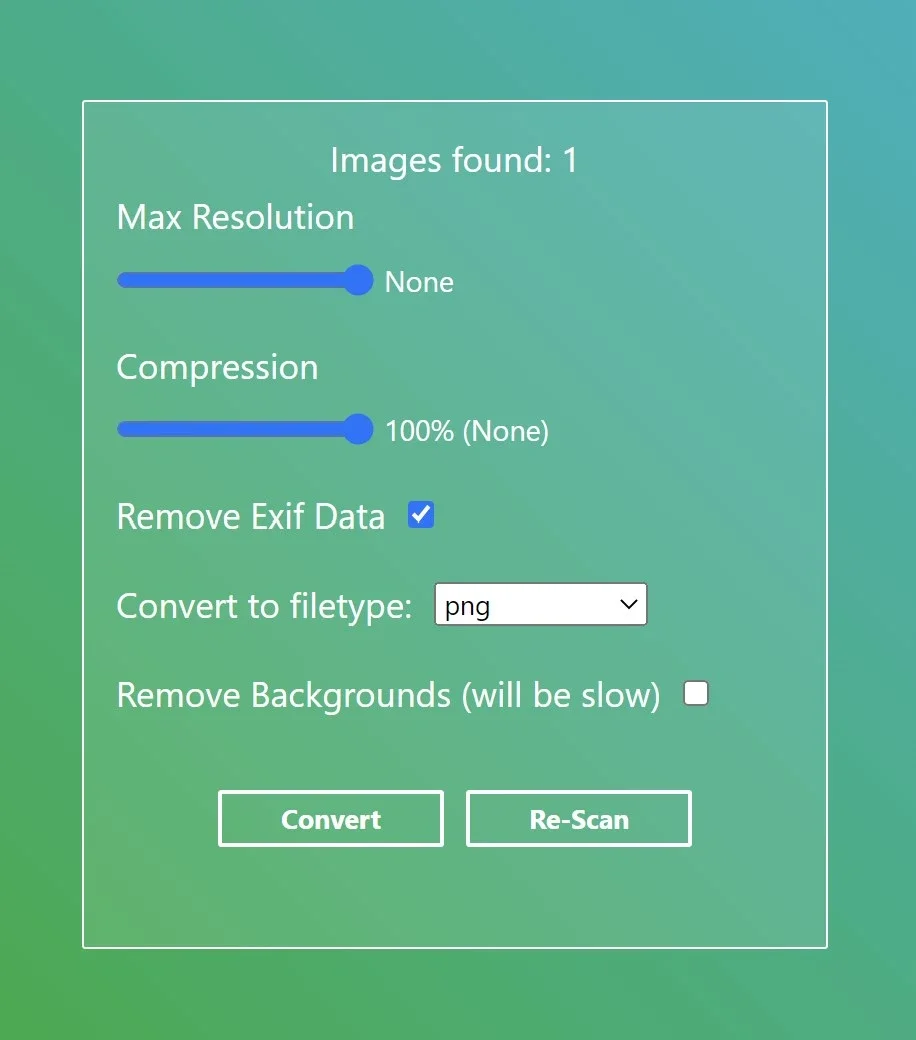
The tool's window: sliders for max resolution and compression, checkboxes to remove EXIF data and backgrounds, and a filetype picker

This Python tool uses Eel to render a GUI for the script. The GUI is made with Handlebars templates + SCSS, and uses gulp and Babel to compile them down to basic HTML/CSS. It uses a model I found online to remove the backgrounds.
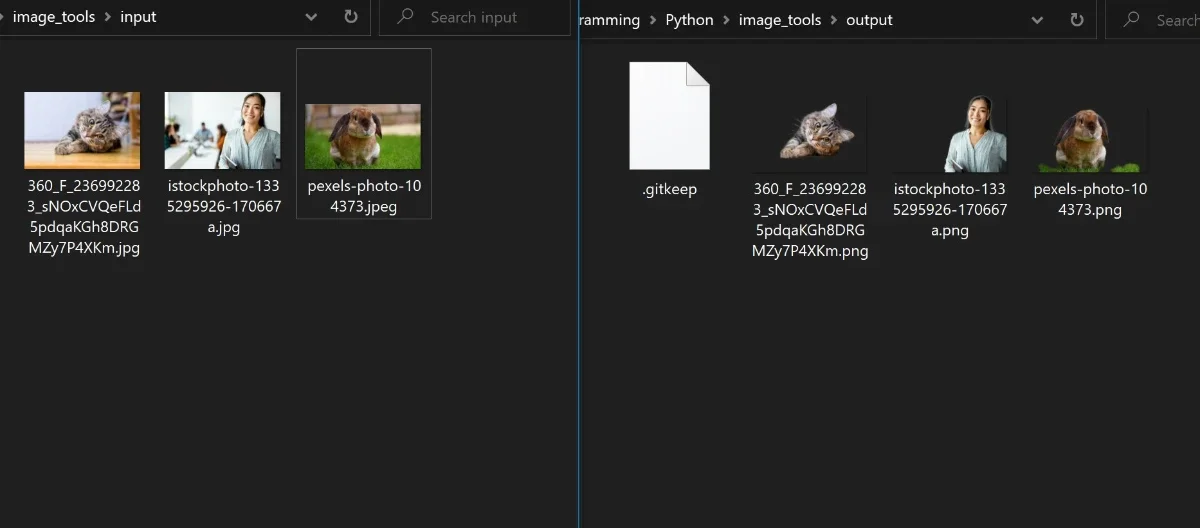
Two folders side by side: three input photos on the left, and the same three with their backgrounds removed on the right

It's quite fast, can use both CPU and GPU depending on the machine you're on, and is able to convert files between PNG, JPG and WebP, compress, resize, and remove EXIF data.

Check it out on my GitHub. There's even a compiled Windows binary in the releases tab!
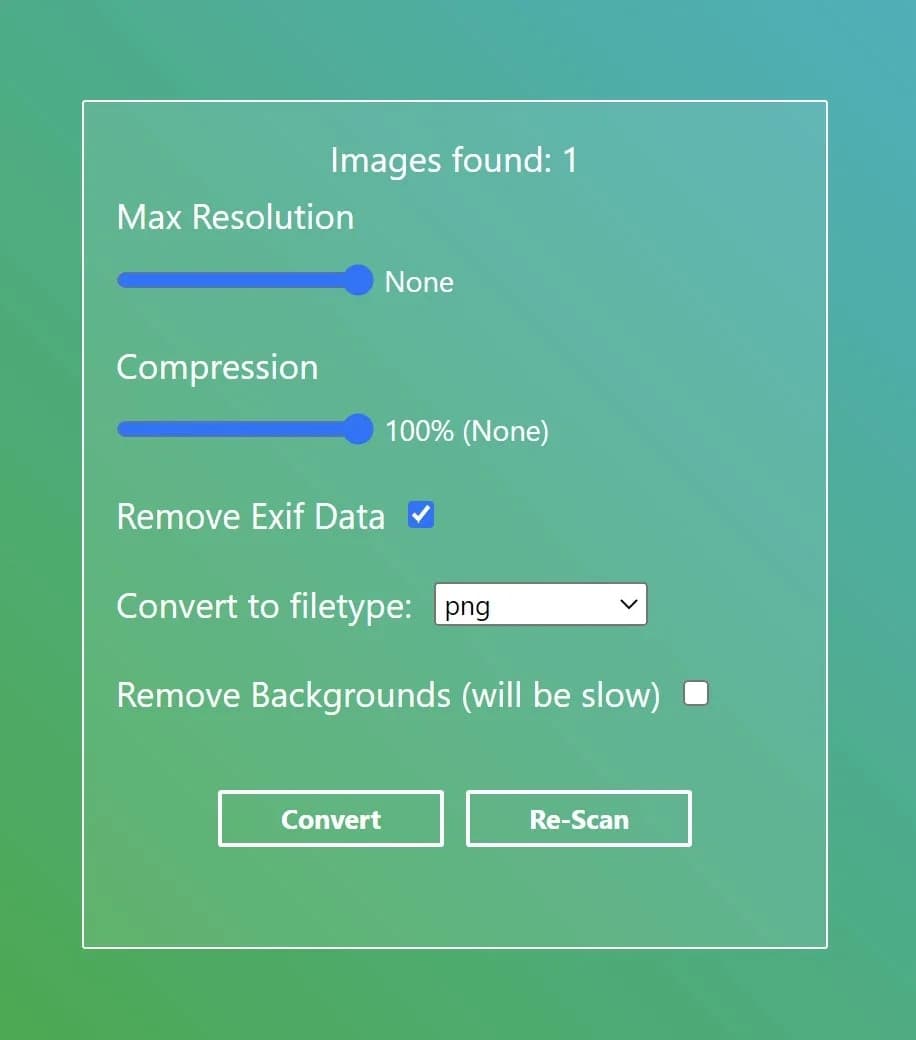
Image-ToolsThe code, plus a compiled Windows binary under Releases.View the code
Share this