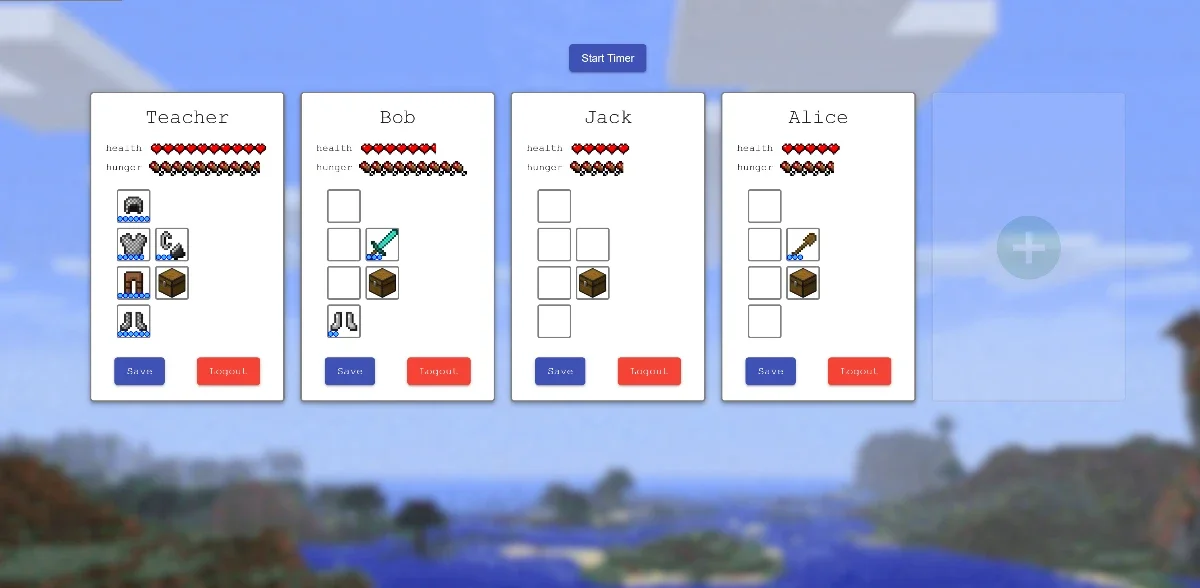
While I was a teacher in an after-school tutoring center, I had a small class of kids who really liked Minecraft. I decided to spend a week making a small tool to help them learn. Usually they liked getting stickers, but after a month of classes, they'd had enough. On their breaks they only talked about Minecraft, and that gave me an idea.
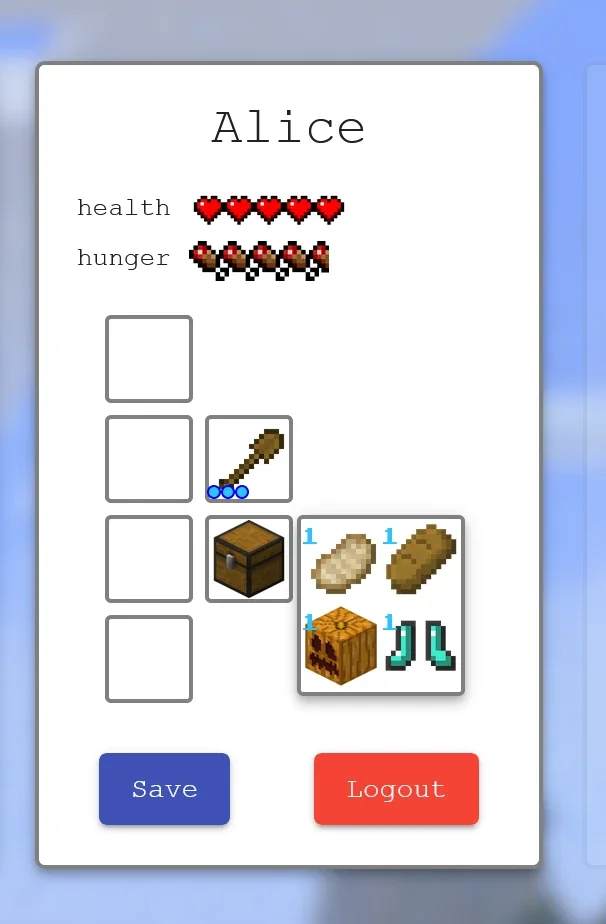
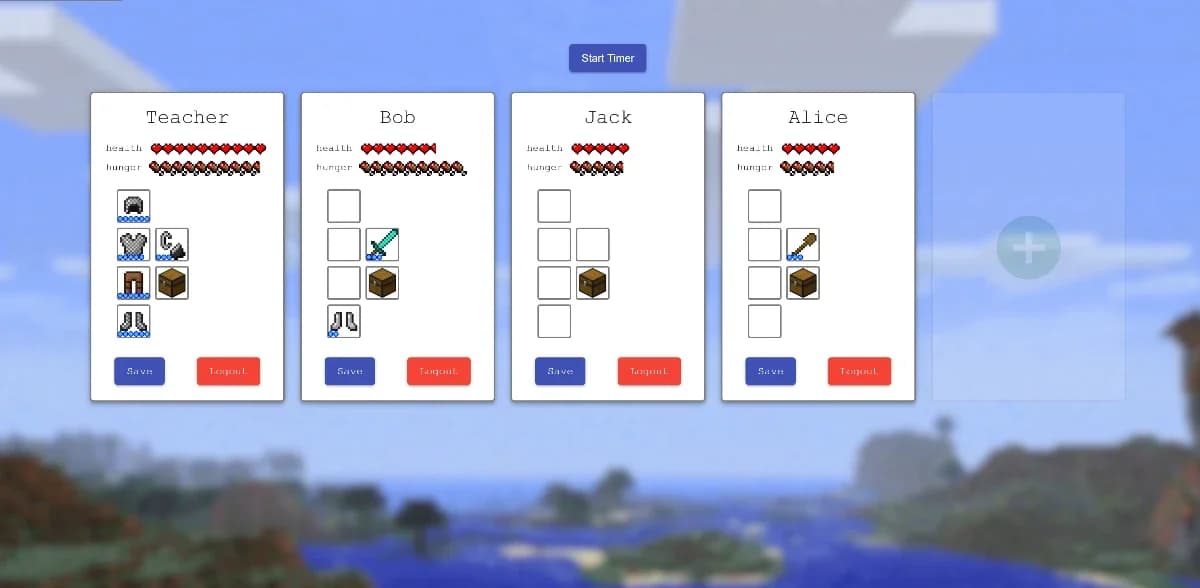
A student can log in, and have their own personal inventory of items. If they do a good job or answer questions, I can give them more items, or take items away if they're misbehaving.
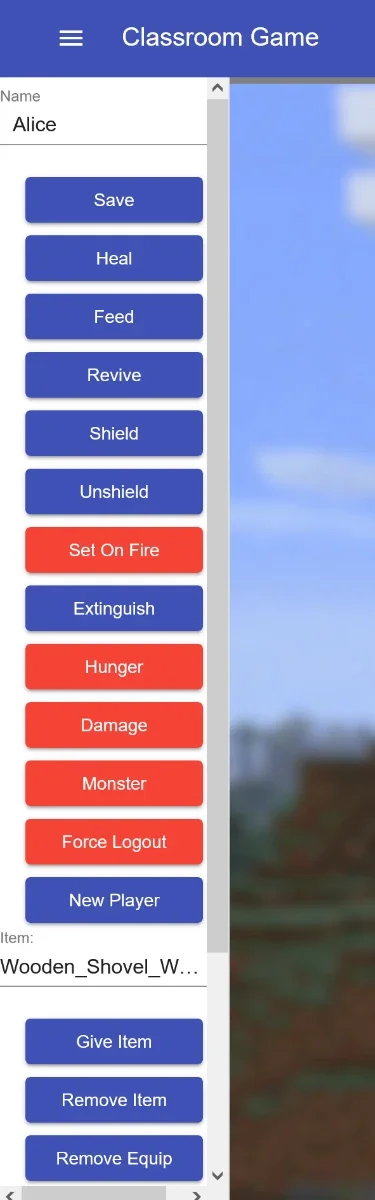
The site uses socket.io to allow anyone accessing the site to see updates in real time. Essentially this let me have their stats open on the big screen, and have the site open on my phone to use as an admin panel. (Which is hidden behind penta-clicking the site title.)
This admin panel allows me to give health to students, give items, armor and weapons, or set them on fire. I can also speed up the day-night cycle, which drains their hunger. (It created a sense of urgency if needed, to get kids to focus and finish the work before class ended.)
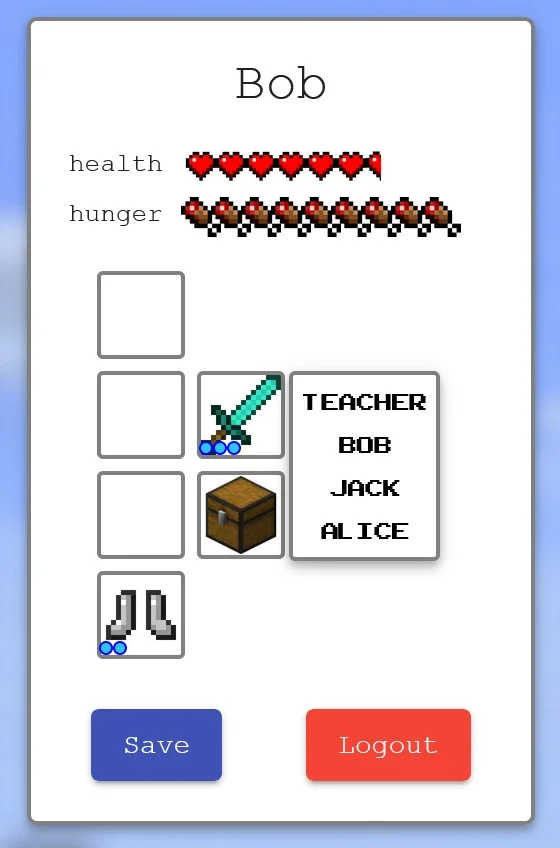
The students could then use weapons and hit each other if they wanted. (Lots of fun.) I added a shielding option in the admin panel, allowing me to shield a student, but it never was needed.
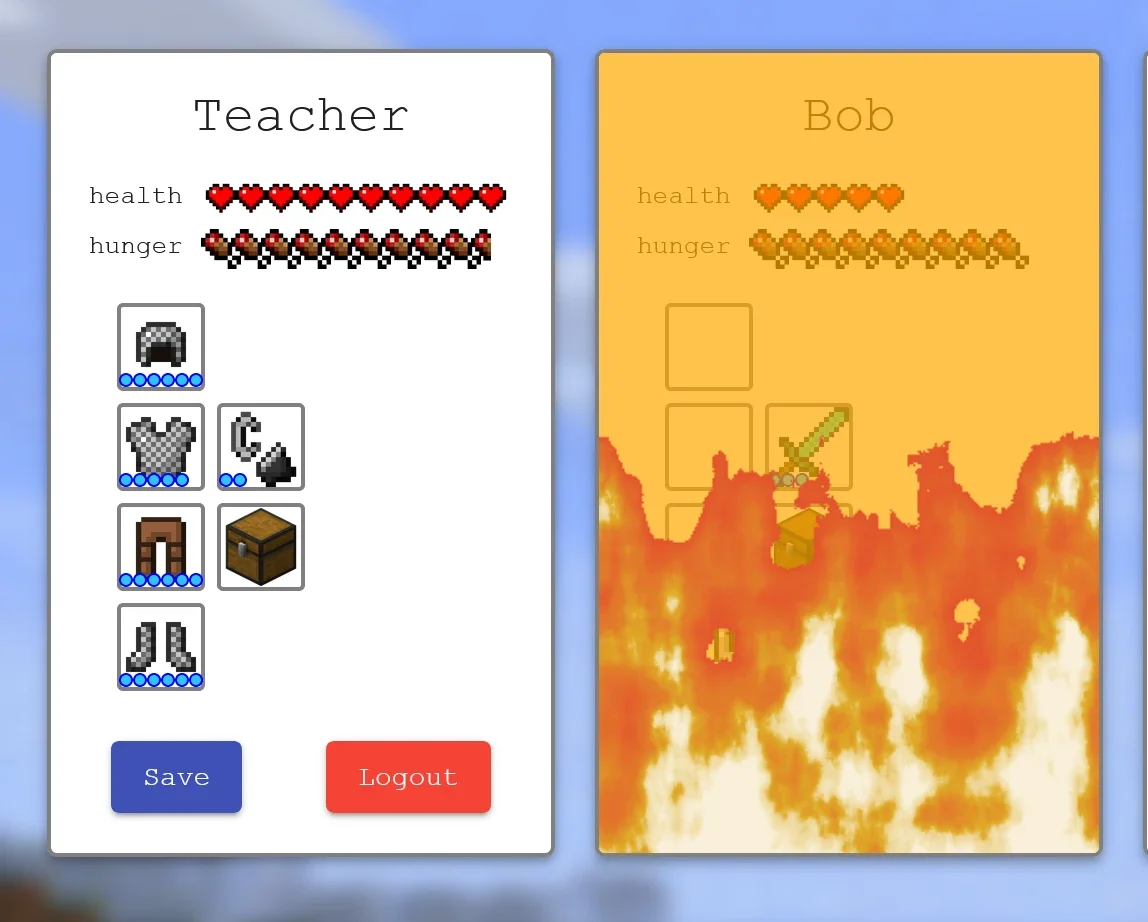
Obviously the flint and steel weapon sets the others on fire.
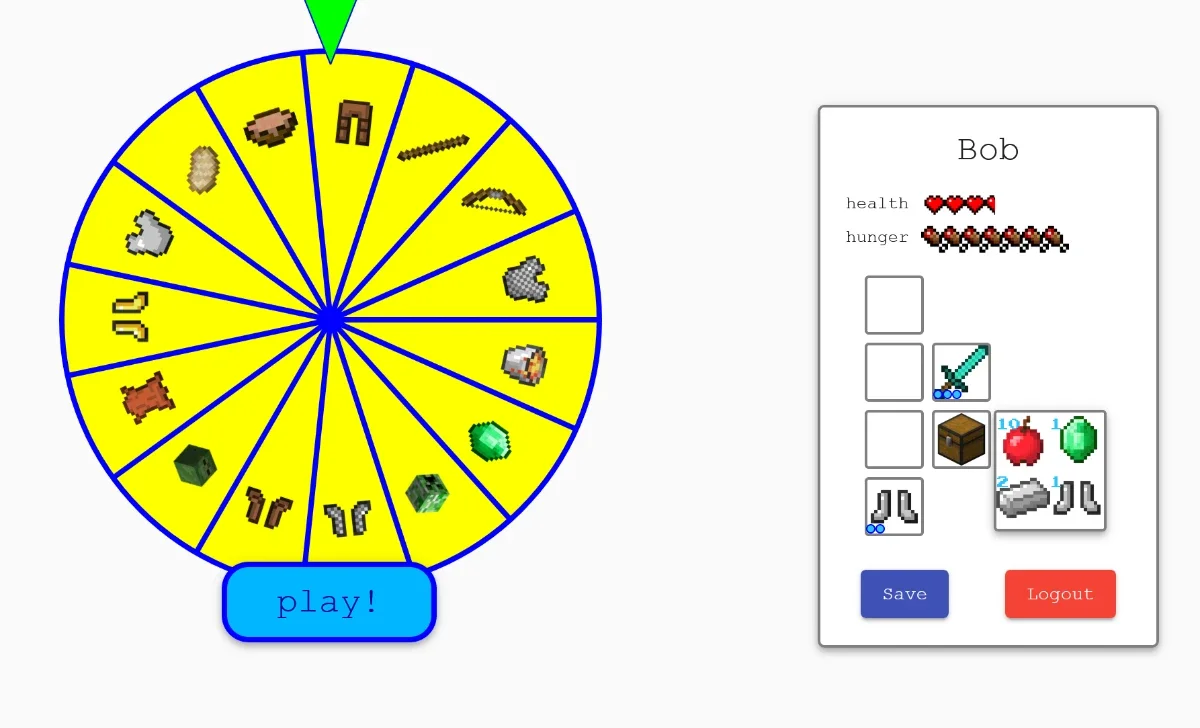
They could also exchange emeralds (which is what I gave out for answering questions) to spin the wheel. The wheel could give them really rare items, or land on a monster which does damage.
The site was only used for two classes of 4-5 kids, so the scope never needed to be expanded. So it has flaws. For example, you can't use this for 2 classes at the same time, and you can't have more than one student with the same name. These are very easily fixed issues though, using a channel system with socket.io: just create a class login system that logs into a specific class channel.
If you want to check it out, go to the site. Log in with 'Teacher', 'Kevin' and 'Jason'. Then you need to penta-click the 'Classroom Game' text in the top right. That activates the secret admin menu. You can open the site on another device and open the secret menu, which allows you to control the logged in students on the first device.
 Classroom GameLog in as 'Teacher', 'Kevin' and 'Jason'.Try it out