I wanted to know how closely a homelab could follow the same operating patterns as a large enterprise platform: GitOps, agentic development, observability, identity, and reliability. I also wanted to actually learn Kubernetes, not just read about it.
I had two old laptops and an old server doing nothing—the same server I 3D-printed a case for. None of them alone could run everything I wanted: a media server, photo backup, document storage, a bridge into the home-automation setup, and a handful of scheduled jobs. The answer to both problems was the same: stop asking one machine to do everything. Those three machines became a control plane, two mini PCs joined underneath as a worker pool, and five nodes did together what none of them could do alone.
What I ended up with runs an HA control plane, nearly ninety workloads with single sign-on in front of every app, and eBPF network policy enforcement, in my den, on hardware that was headed for a drawer. Most nights it serves a movie and runs a couple of cron jobs. That mismatch is the point: this is where I practice the same platform patterns I use at work, without a client's production traffic on the line if I get something wrong.
What it runs
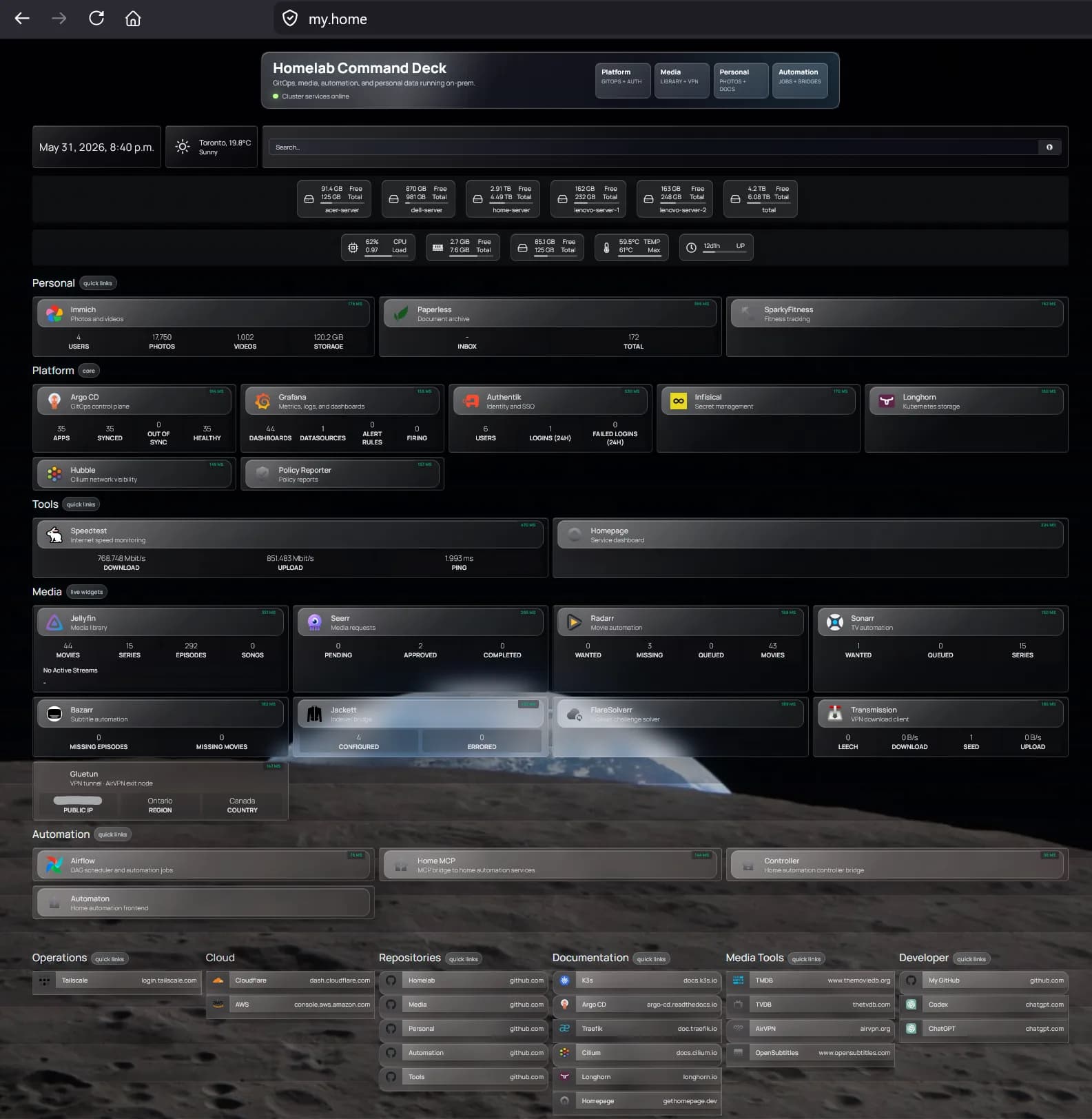
Five nodes. Two old laptops and the old server form the control plane, voting on quorum so the cluster survives any one of them dying, and they double as ingress. Two mini PCs run underneath as a worker pool, carrying the actual application load. GitOps owns every workload through Argo CD's app-of-apps pattern, synced from four sibling repos by namespace: tools for a homepage dashboard, automation for Airflow and the bridge into Ziggy, media for Jellyfin and the usual *arr stack, personal for Immich and Paperless-ngx.
How a request gets in, and how a change ships
Two paths run this cluster, and neither one trusts a shortcut. Getting into an app means clearing the mesh and identity first. Getting a change into the cluster means clearing a pull request first.
Ingress
Deployment
Tailscale (WireGuard). A mesh VPN with no public listener. The client authenticates onto the mesh before it can reach anything inside the cluster. That handshake is the only front door.
Nothing gets kubectl apply'd by hand, and nothing reaches an app without a login behind it. TLS is not an afterthought bolted onto this either: cert-manager issues and renews certificates from an internal CA for every .home domain automatically. No certificate has ever expired because someone forgot to renew it, because no one has to.
High availability, applied where it counts
The two laptops and the old server run the control plane and ingress; the two mini PCs stay stateless workers so losing one costs nothing but capacity. Longhorn replicates storage: two copies for ordinary workloads, three for state that actually matters, like the Authentik and Infisical databases. One deliberate exception breaks the pattern: Immich's photo library sits on a single-replica volume pinned to one node's disk, because replicating 250GB of images three times over a home network isn't worth the bandwidth. The media library itself skips Longhorn entirely and lives on a RAID 10 array mounted directly, since Jellyfin doesn't need a distributed filesystem to stream a movie.
Watching it, not just running it
Prometheus scrapes everything, Loki aggregates every pod's logs, Grafana sits on top of both, and Alertmanager pages on the rules that matter: node health, workload state, sync failures, and certificates approaching expiry. Tetragon adds eBPF-level runtime visibility: syscalls, process lineage, the kind of detail that turns "something happened" into "here's exactly what." Kyverno enforces admission policy before a workload ever starts, and Policy Reporter shows what it's blocking. Infisical holds every secret with rotation, synced into Kubernetes automatically instead of living in a .env file someone has to remember to update.